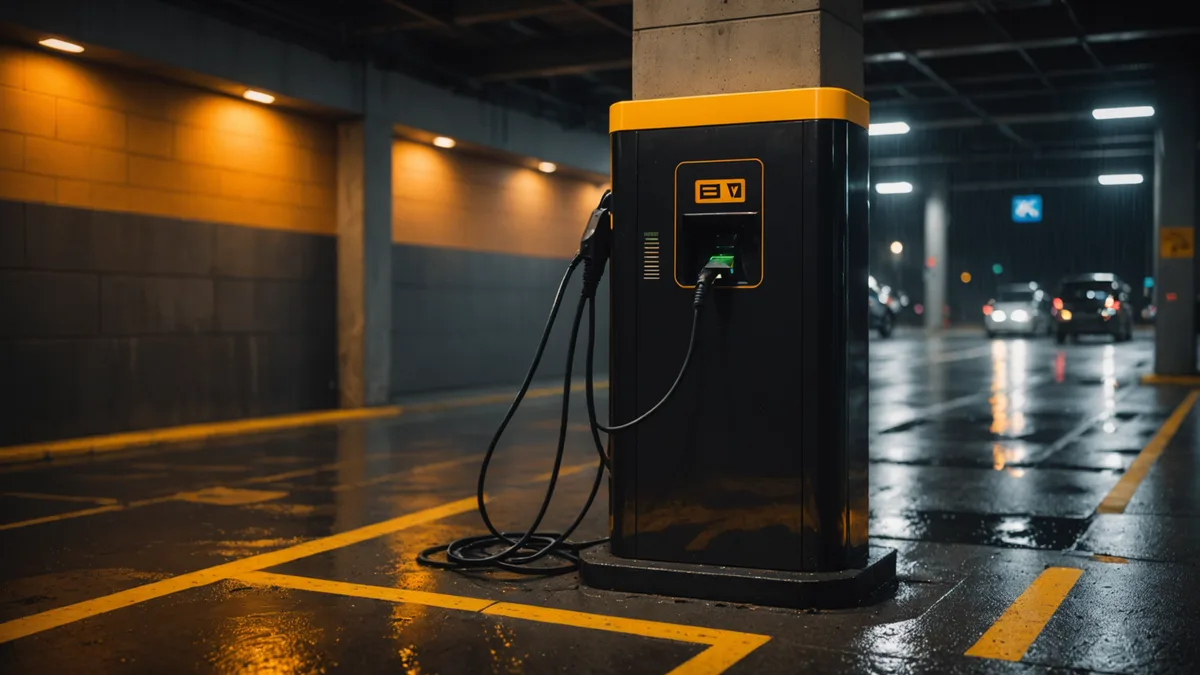
Across our pilot network, five fault patterns make up roughly 78% of unplanned downtime events. The remaining 22% consists of rare hardware failures, power supply incidents, and one-off software bugs. These five merit attention because OCPP message streams expose a distinct early-warning signal for each before downtime or a driver complaint.
The claim is not that this covers every charger failure mode. The claim is that it closes a specific gap: our network telemetry, the OCPP pattern, and the remediation sequence.
Fault Pattern 1: Connector Stuck Preparing
In OCPP 1.6, Preparing means a connector is occupied, by cable insertion or RFID card presentation, but no transaction has started. The charger awaits authorization. Normal duration is a few seconds to perhaps 30 seconds. Anything over 3 minutes is a stuck session.
Causes include a silently timed-out authorization request when the CSMS is slow, a declined payment method that the charger UI explains poorly, or an RFID hardware fault that repeats incomplete requests. The connector remains in Preparing and physically locked, blocking a new session. The driver may leave assuming it will start.
Early detection: find any StatusNotification showing Preparing without a subsequent StartTransaction or return to Available within 5 minutes. In a healthy network, this should stay below 1% of session initiations. A connector showing it 3 or more times per day needs investigation for hardware or integration issues before dispatching a technician for a fault that may not be physical.
For remote remediation, send RemoteStopTransaction, even without a transaction ID, to clear the lock, then set ChangeAvailability to Inoperative and back to Operative. This works in about 60% of cases. Recurrence within 24 hours calls for physical inspection.
Fault Pattern 2: Heartbeat Timeout to Unavailable
OCPP chargers send Heartbeat at a configured interval to confirm connection to the CSMS. After missed heartbeats, the CSMS should mark the charger unreachable. OCPP 1.6 specifies no automatic recovery, so reconnection behavior varies by manufacturer.
In OCPP logs, the cascade is: the charger stops sending heartbeats, stops answering requests, then becomes Unavailable when the next StatusNotification arrives. If several chargers at one site show this within a few minutes, the cause is almost certainly a site-level network event, such as a router reboot, SIM data exhaustion, or power loss to network equipment, rather than separate charger failures.
The key distinction is this: simultaneous heartbeat loss across multiple chargers at one site indicates a network problem. Staggered heartbeat loss from one charger over days indicates a hardware problem. OCPP logs show the timing signature, but without correlated-event monitoring, each charger appears to fail independently.
For a network-level cascade, check the site router or cellular gateway first. Power-cycling network equipment resolves most cases within 5 minutes. For one charger, try a remote firmware restart. If it recurs, verify the charger's WebSocket reconnect timer. Some manufacturers use exponential backoff, causing 30-minute or longer delays.
Fault Pattern 3: GFCI Ground-Fault Trip
A ground fault circuit interrupter trip is protection, not charger malfunction. The charger loses power and reports Faulted in its next StatusNotification. Typical physical causes are moisture in a connector, cable degradation, an installation wiring issue, or internal earth leakage in the vehicle.
Timing makes this pattern costly: GFCI trips occur disproportionately at night, when temperature changes create condensation in outdoor or semi-outdoor installations. A dashboard check at 8 AM may reveal a charger faulted since 2 AM, meaning 6 hours of lost availability.
Detection is harder because GFCI trips are genuine hardware events, not software state anomalies. Warning signals include multiple events from one charger over 4-week, links to rainfall or temperature drops that suggest inadequate ingress protection rating, and events limited to one connector type, pointing to a cable batch issue.
Remote reset clears a GFCI trip in about 40% of cases when the cause is transient, such as lightning or brief moisture contact that dried. If reset fails, or the charger trips again within 12 hours, arrange physical inspection before drivers use it.
Fault Pattern 4: Payment Timeout at Session Start
Under OCPP 1.6, payment authorization may run through the CSMS, which contacts the payment gateway, or locally on the charger through a local authorization list. If a CSMS payment call fails or times out, the CSMS must authorize offline, deliver energy and reconcile later, or reject the session.
Many operators choose offline authorization to avoid denying drivers. This creates a gap between energy delivered and confirmed payment. A 2-hour payment gateway outage with 40 offline sessions leaves 40 sessions for manual reconciliation afterward. Some may involve declined payment methods.
The detection signal is a rise in sessions with a short StopTransaction reason code for incomplete payment confirmation, or a mismatch between payment gateway settlement and OCPP session records. Track authorized sessions against confirmed payment records on a 2-hour rolling basis to spot gateway issues early.
This fault is silent at charger level: the charger reports normal sessions. It appears only in revenue records and may go undetected for days without OCPP and payment-data comparison.
Fault 5: Firmware Reboot Loop
A charger may reboot repeatedly after a failed firmware update or a specific malformed OCPP message. Logs show repeated BootNotification messages from one charger at 2 to 5-minute intervals, with no completed sessions between them. The charger is continuously restarting.
This is rare but severe. A reboot-loop charger occupies a physical bay, appears Unavailable on the dashboard, and cannot serve drivers until the loop ends. Common causes are a partially installed firmware update or a CSMS configuration change that sent an invalid BootNotification response, such as HeartbeatInterval of 0.
Detection is direct: more than 3 BootNotification messages from one charger in a 30-minute window indicates a loop. Remediation depends on the manufacturer. Some support factory reset through OCPP Reset (Hard); others require physical access to interrupt boot and roll back firmware. Contact the hardware manufacturer before non-standard recovery, since a wrong intervention can brick the unit.
Summary: Five Fault Patterns
All five patterns expose a detectable OCPP message-stream signal before a driver complaint or zero-revenue period. Preparing timeout appears in StatusNotification timing. Heartbeat cascade appears in correlated message loss. GFCI trip produces Faulted status with a recoverable reset path. Payment gateway gaps show in session-to-payment reconciliation. Reboot loops show as repeated BootNotifications.
Operators responding only to driver complaints find these faults hours late. Those monitoring OCPP patterns find them within minutes. The difference is not hardware quality or maintenance discipline, but whether the monitoring layer reads the signals already present.